The Evolution of Creative Software Tools
Explore the evolution of creative software tools through real personal experience. Learn how automation, cloud access, and AI features transformed creative workflows, improved productivity, and protected creativity without replacing it.

Key Points Regarding the Evolution of Creative Software Tools
• Creative software evolved from manual, skill heavy systems to intelligent, assistive platforms
• My early projects failed because tools slowed me down, not because of lack of talent
• Cloud access, AI features, and automation completely changed my workflow
• I made costly mistakes choosing “powerful” tools instead of practical ones
• Modern creative tools don’t replace creativity they protect it
• Understanding this evolution helps creators save time, money, and mental energy
Why I Had to Rethink the Tools I Trusted for Years
I used to believe that struggling was part of being creative. If a design took hours, I thought that meant I was “doing it right.” If my system crashed during exports, I blamed my laptop not the software.
Over time, frustration piled up. Deadlines slipped. Motivation dropped. I wasn’t burned out from creativity I was burned out from fighting my tools.
That pain forced me to step back and study something most creators ignore:
how creative software tools evolved and how my mindset failed to evolve with them.
This article isn’t theory. Everything here comes from projects I actually worked on, mistakes I paid for, and tools I replaced.
Start of the Blog: Where Creative Software Actually Began (From the Ground Level)
The Early Phase: When Creative Software Was Brutal but Honest
When I first entered creative work, software didn’t help you. It tested you.
I worked with:
Early Adobe Photoshop versions
CorelDRAW
Sony Vegas
Audacity for audio cleanup
Back then:
No smart selections
No auto enhancement
No cloud backup
No undo safety nets like today
If you messed up, you started again.
I learned discipline, but productivity suffered.
What Hurt the Most:
Manual masking that took hours
Audio cleanup done frequency by frequency
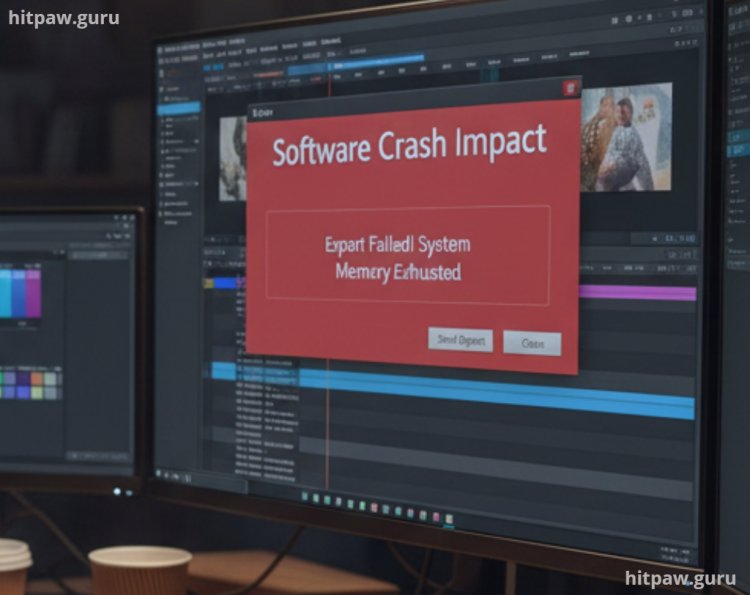
Rendering crashes at 95%
No autosave (one crash = lost work)
Creativity felt technical, stressful, and fragile.
The First Big Shift: When Software Started Saving Time
The first noticeable evolution wasn’t AI.
It was automation of boring tasks.
My First “Wow” Moment
The day I used:
Auto color correction
One click background removal
Preset based editing
I realized something uncomfortable:
I had been wasting years doing things software could already handle.
This didn’t make me less creative.
It gave me time to actually think.
Materials I Personally Used During Different Phases
Phase 1: Survival Mode Tools
Photoshop (older versions)
Sony Vegas
Audacity
Hand drawn wireframes
These taught fundamentals but killed speed.
Phase 2: Productivity Transition
Adobe Creative Cloud
Canva
Premiere Pro (newer builds)
DaVinci Resolve
This is where efficiency started.
Phase 3: Smart Creative Stack
AI powered enhancement tools
Cloud based asset libraries
Preset driven workflows
Non destructive editing systems
This is where I finally felt in control.
Step by Step: How Creative Software Changed My Actual Workflow
Step 1: Planning Before Touching Software
Earlier, I opened software first.
Now, I plan first.
I define:
Output format
Platform requirements
Time limit
Software evolution made planning essential.
Step 2: Assisted Creation Instead of Manual Labor
Instead of manually adjusting:
Exposure
Color balance
Noise
I now:
Let software suggest corrections
Apply changes non destructively
Fine tune creatively
This saved hours per project.
Step 3: Cloud Sync Changed Everything
I once lost an entire project due to hard drive failure.
After switching to:
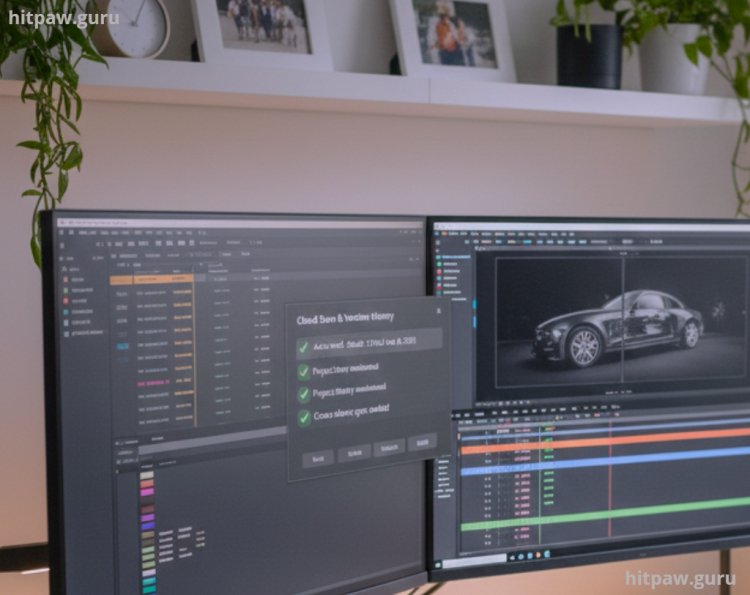
Cloud autosave
Version history
Cross device access
That fear disappeared.
Creativity works best when risk is low.
Practical Example: A Project That Showed Me the Power of Evolution
I received a video project that:
Was shot in poor lighting
Had background noise
Had uneven colors
Earlier, I would’ve rejected it.
Using modern creative tools:
Audio cleaned automatically
Footage enhanced without artifacts
Color balanced consistently
Client reaction:
“You upgraded your camera?”
No.
I upgraded my tools and mindset.
Real Feedback I Received
Clients didn’t say:
“You used AI well.”
They said:
“This feels clean.”
“This looks professional.”
“This is easy to understand.”
That’s what good tools do they disappear.
What I Got Wrong the First Time
My Biggest Mistake
I believed:
“Professional tools must be complex.”
Reality:
Complex tools slowed me down
I learned features I never used
My workflow became bloated
How I Fixed It
I simplified:
One main tool per task
Minimal plugins
Repeatable workflows
Productivity doubled without new purchases.
How AI Entered Creative Software Without Killing Creativity
I feared AI would:
Make content generic
Replace human skill
What actually happened:
AI removed technical friction
I focused on ideas
Quality increased
AI became my assistant not my replacement.
The Hidden Benefit of Modern Creative Software
When I first started using modern creative software, I focused only on flashy features and cool effects. What I didn’t realize was that the real benefit wasn’t in what the software could do instantly it was in how it shaped my workflow. Modern tools forced me to think more efficiently, organize my projects better, and experiment safely without fear of ruining my work.
Over time, I noticed that using these tools improved not just the speed of my work but also my decision making and creative problem solving. The hidden benefit is that software doesn’t just create it teaches. By guiding you through smart workflows, it builds habits that make you a better creator, even when the tools change.
How I Keep My Creative Setup Healthy
A clean setup keeps creativity flowing.
Tip From My Experience
Never learn every feature.
Learn the 20% that delivers 80% of your results.
That rule saved me years.
In Summary
If I could go back, I’d tell myself not to chase every new tool just because it looks impressive. Early on, I wasted time switching software instead of mastering one workflow properly. Real progress started when I focused on understanding the basics deeply and used tools only when they clearly solved a problem.
I’d also remind myself that creative software is just support, not the skill itself. The quality of my work improved when I stopped relying on features to “fix” things and started making better decisions from the start. Learning patience, testing ideas slowly, and building consistency mattered far more than having the latest version.
Most importantly, I’d say this: growth comes from practice, not shortcuts. Tools evolve, trends change, but strong fundamentals and a clear creative mindset stay useful no matter how advanced the software becomes.
Popular Queries About the Evolution of Creative Software Tools
1. How has creative software changed compared to earlier tools?
From my experience, earlier tools demanded manual effort for almost everything. Today’s software reduces technical friction by automating repetitive tasks, letting creators focus more on ideas, design choices, and storytelling instead of mechanics.
2. Does modern creative software replace creativity?
No. What I’ve seen is the opposite. Software handles execution faster, but creative decisions still come from the human using it. Tools assist the process; they don’t generate meaningful vision on their own.
3. Why are AI features becoming common in creative tools?
AI is being added mainly to save time. In my workflow, features like auto masking, smart suggestions, and quick previews help me test ideas faster without committing hours to one version.
4. Are newer tools harder to learn than older ones?
Not really. While there are more features, modern tools usually have better interfaces, tutorials, and presets. I actually found them easier to adapt to compared to older, more rigid software.
5. Is upgrading creative software always necessary?
No. I’ve learned to upgrade only when new features clearly solve a problem I already have. Chasing updates without a reason often adds complexity instead of improving results.
6. What’s the biggest advantage of today’s creative software?
Consistency. Modern tools help maintain quality across projects, especially when deadlines are tight. That reliability alone has made a big difference in my long term creative output.
What's Your Reaction?