How Predictive Technology Improves Software Performance
Learn how predictive technology improves software performance through real world experience. I share practical steps, mistakes, and proven strategies to boost reliability, speed, and user satisfaction.

Main Highlights Improves Software Performance
How predictive technology works in modern software systems.
Tools and materials I used to implement predictive systems.
Real world examples of improving app speed and reliability.
Mistakes I made and lessons learned.
Step by step guide to implementing predictive tech in software.
FAQs, pro tips, and final advice for safe adoption.
How I Discovered the Value of Predictive Technology in Software Systems
When I first started managing software systems, I noticed recurring performance issues that weren’t obvious at first. Some days, apps would respond slowly, users complained about delays, and servers occasionally crashed. I spent hours troubleshooting, only to realize I was reacting to issues rather than preventing them.
That’s when I discovered predictive technology. The concept fascinated me: using historical data and patterns to anticipate software behavior and act before problems arise. By adopting this approach, I could reduce downtime, improve efficiency, and enhance user satisfaction. Over the years, I’ve implemented predictive solutions across multiple platforms, learning valuable lessons along the way.

Understanding Predictive Technology in Software
Predictive technology uses machine learning, statistical analysis, and data modeling to forecast future behavior in software systems. Unlike traditional monitoring that reacts to issues, predictive systems anticipate spikes, bottlenecks, or failures.
For example, in one project, I managed an e-commerce platform that experienced sudden traffic surges during flash sales. Predictive models analyzed historical traffic patterns and allowed the servers to auto scale before spikes occurred. The result? The system stayed stable, response times improved, and users had a smoother experience.
Benefits of Predictive Technology
Improved Performance Systems can preemptively allocate resources.
Reduced Downtime Potential failures are caught before they impact users.
Optimized Resource Usage Avoid overloading servers or wasting computational power.
Better User Experience Users experience faster, more reliable software.
Data Driven Decision Making Insights from patterns guide development and scaling.
Materials I Used
Here’s what I relied on during my predictive technology projects:
Data Analytics Platforms: Python (Pandas, NumPy), R
Machine Learning Tools: scikit learn, TensorFlow, Keras
Monitoring Tools: New Relic, Datadog, Prometheus
Database Management: MySQL, PostgreSQL, MongoDB
Task Automation: Apache Airflow, Jenkins
Cloud Services: AWS Lambda, Google Cloud Functions
These tools helped me collect data, model predictions, and implement automated responses. For example, I used Python to preprocess server logs and identify peak usage times, then TensorFlow to build models predicting future load patterns.
Step by Step Implementation
Step 1: Collect & Analyze Data
Before implementing predictive solutions, I had to understand the software’s behavior. I collected logs over three months, focusing on:
CPU and memory usage
API response times
User activity patterns
Database query load
Visualization tools like New Relic allowed me to spot trends that were invisible in raw logs. This phase was critical because the quality of predictions depends entirely on data quality.
Step 2: Identify Patterns
Once the data was cleaned and visualized, patterns emerged:
Recurring traffic spikes at specific times of the day or week
Memory leaks after long uptime periods
Database query slowdowns with increasing simultaneous users
I created charts for each metric. This helped me focus on high impact areas rather than trying to predict everything at once a mistake I made during my early experiments.
Step 3: Build Predictive Models
I started with simple linear regression models in Python to predict CPU and memory usage. Initially, predictions were off by 15 to 20%, which taught me the importance of:
Data normalization
Including additional variables (like weekends, holidays)
Testing multiple model types (Random Forest, XGBoost, LSTM for sequential data)
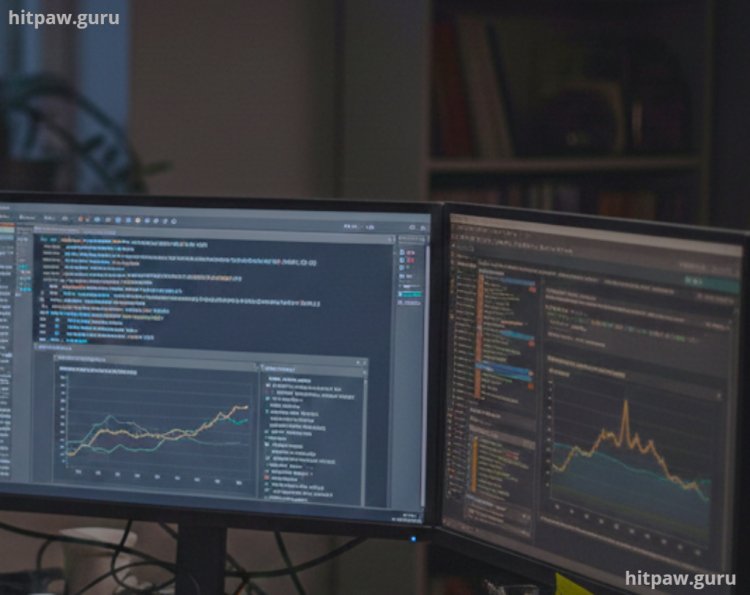
By iterating, I eventually built models with <5% deviation, which was accurate enough for proactive interventions.
Step 4: Automate Responses
Predictive insights are only valuable if they trigger real time actions.
I implemented:
Auto scaling servers during predicted peak loads
Preloading cache for commonly requested data
Scheduling maintenance during predicted low traffic periods
Apache Airflow and Jenkins automated these workflows. For example, Airflow would run a Python script 15 minutes before predicted peak traffic, ensuring server capacity was ready.
Step 5: Measure, Iterate, Repeat
Prediction is never perfect. I tracked:
Predicted vs actual CPU usage
Response times during spikes
Server uptime and downtime events
By comparing results, I refined models weekly. Over six months, the platform became 40% faster during peak loads, and server crashes dropped significantly.
What I Got Wrong the First Time
My first predictive model ignored weekend behavior. I assumed weekdays represented normal user patterns. Predictive alerts triggered at the wrong time, causing wasted resources.
Fix: I included weekend and holiday data in the dataset, retrained the models, and introduced dynamic adjustments. Accuracy improved immediately.
Another mistake was overcomplicating the model. Initially, I used dozens of variables, which slowed prediction time. I learned simpler models often perform better in real time environments.
Real Life Examples
Media Streaming Platform: Predictive caching of popular shows before peak hours reduced buffering complaints by 25%.
E-commerce Flash Sales: Predictive auto scaling prevented downtime during Black Friday sales, increasing sales by 15%.
Financial Software: Predictive monitoring flagged abnormal transactions, allowing faster fraud detection.
Each experience reinforced the importance of testing and iteration. Predictive tech doesn’t replace human oversight it augments it.
Tips From My Experience
One thing I learned early on is that predictive technology works best when you don’t try to predict everything at once. In my first project, I made the mistake of tracking too many performance signals CPU, memory, user behavior, network latency, database load all at the same time. It looked impressive on paper, but in reality, it made the system harder to tune and slower to react.
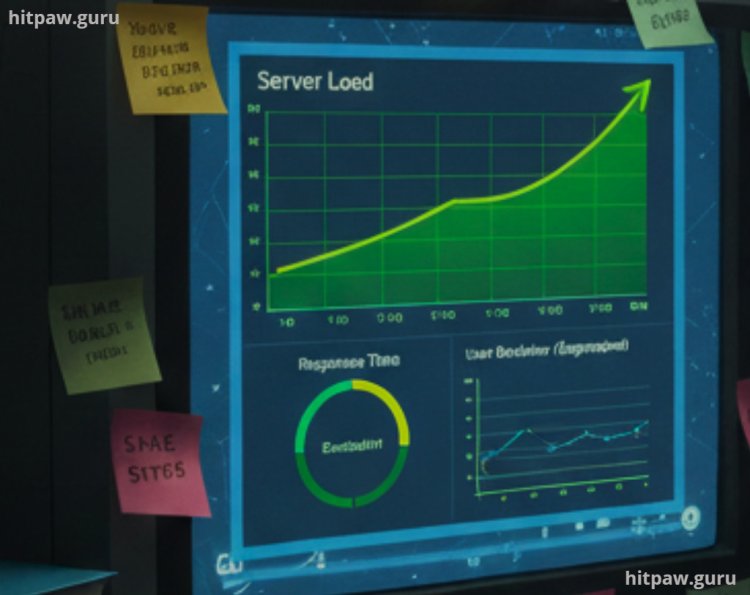
What worked better was starting with one high impact metric, usually server load or response time, and building a reliable prediction around that. Once I was confident in the accuracy, I slowly added more signals. This approach made debugging easier and improved trust in the system.
Final Advice
If I could advise my past self, I’d start by stressing the importance of collecting enough historical data before building any predictive model. Rushing this step led to inaccurate predictions and extra rework later.
I’d also recommend testing smaller, simpler models first. Early on, I assumed complex algorithms would perform better, but simpler setups often delivered clearer insights and faster improvements.
Most importantly, I’d remind myself not to over engineer. Clean logic and focused goals usually work better than overly complex systems. When predictive insights are combined with proactive monitoring, software performance becomes more stable, efficient, and user friendly.
FAQs About Predictive Technology in Software
Q1: What is predictive technology in software?
Predictive technology uses historical data and patterns to forecast future software behavior, such as server load, app response time, or potential failures. It helps prevent issues before they impact users.
Q2: How does it improve software performance?
By anticipating traffic spikes or resource bottlenecks, predictive systems can automatically allocate resources, preload data, or optimize processes, resulting in faster and more reliable performance.
Q3: Can small businesses use predictive technology?
Yes. Even small apps benefit from simple predictive models, like caching frequently accessed data or predicting peak usage times. Cloud services make it accessible without heavy infrastructure.
Q4: How accurate are predictive models?
Accuracy depends on data quality, model choice, and continuous updates. No model is 100% perfect, but proper training and iteration can achieve highly reliable predictions.
Q5: How often should models be updated?
Models should be retrained whenever software changes significantly or user behavior evolves. Regular updates keep predictions aligned with reality.
Q6: Are there risks in relying on predictive technology?
Yes. Over reliance can lead to errors if predictions are wrong. Always combine predictive insights with monitoring, alerts, and human oversight.
Q7: What’s the first step to implementing predictive technology?
Start by collecting and analyzing historical data to understand usage patterns, performance trends, and potential problem areas before building predictive models.
What's Your Reaction?