Essential Digital Skills Everyone Should Learn
Discover practical tips from my personal experience using AI tools. Learn how small adjustments, exploring settings, and organized workflows can save time and improve your results.

Key Points of Essential Digital Skills
Why digital skills are crucial in today’s world
How I learned my first digital tools from scratch
Step by step guidance for beginners
Real life examples of successes and mistakes
Pro tips, daily practices, and growth strategies
FAQs for digital skills learners
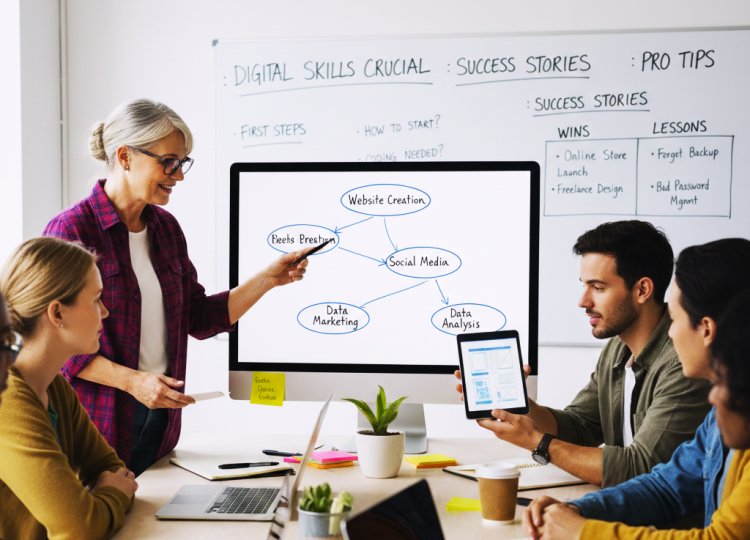
Why I Needed to Master Digital Skills
I’ll admit it I used to feel completely lost when it came to technology. I remember sitting in front of my laptop, trying to edit a video for a project, and feeling frustrated that nothing looked right. I wasted hours figuring out the software, organizing files, and trying to make sense of basic tools. Every time I tried to do something online or create content, I felt overwhelmed.
That’s when I realized: digital skills aren’t just for tech professionals they’re essential for everyone. Whether it’s creating content, managing projects, automating tasks, or simply communicating effectively online, digital skills determine how efficiently I could operate. Without them, I was wasting time and energy.
Learning digital skills transformed how I work and think. It allowed me to create projects faster, communicate clearly, and even explore new career opportunities. I learned that consistent practice and experimentation are the real keys not theory alone.
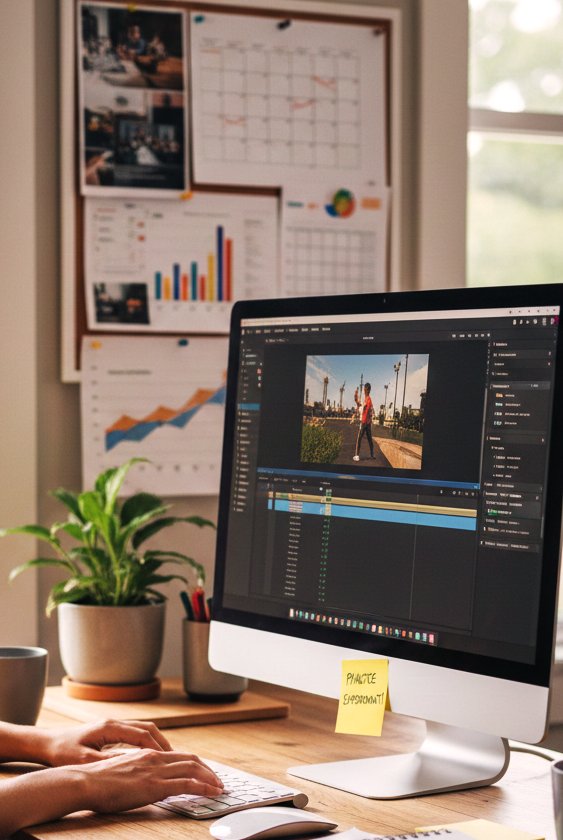
Tools I Used
Here’s a detailed breakdown of the tools and resources I relied on:
Devices:
MacBook Pro (M1) for high speed processing
Windows PC for software testing and compatibility
Graphic Design Tools:
Canva for beginner friendly design
Adobe Photoshop for advanced editing
Figma for UI/UX design
Video Editing Tools:
HitPaw Video Editor for noise reduction and trimming
Adobe Premiere Pro for professional level editing
Productivity & Organization:
Notion for project planning
Trello for task management
Google Workspace for collaborative work
AI & Automation Tools:
ChatGPT for writing and ideation
DALL·E for generating visuals
Runway for AI powered video effects
Learning Resources:
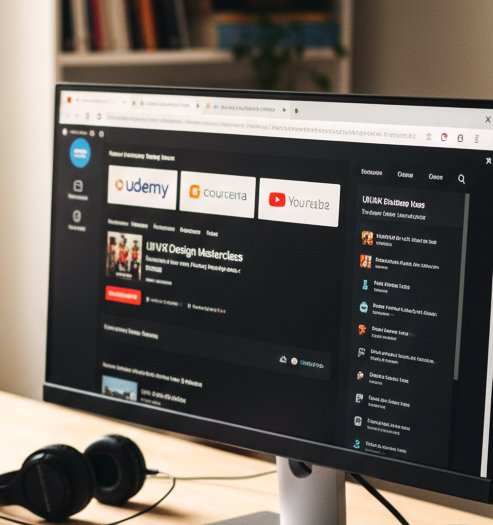
Udemy courses for structured learning
Coursera for certifications
YouTube tutorials for practical examples
Step by Step Approach to Learning Digital Skills
Step 1: Identify Your Goals
I started by asking myself: “What do I want to achieve?” For me, it was content creation videos, social media posts, and presentations. Identifying goals early helped me avoid wasting time on tools that weren’t relevant.
Step 2: Start Small
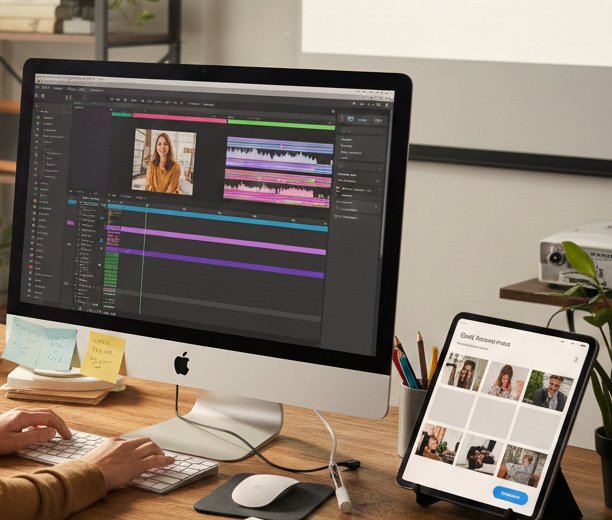
I focused on one tool at a time. For example, I learned Canva first, creating social media graphics and small banners. Once I was confident, I moved to Photoshop. Starting small prevented overwhelm and kept me motivated.
Step 3: Learn by Doing
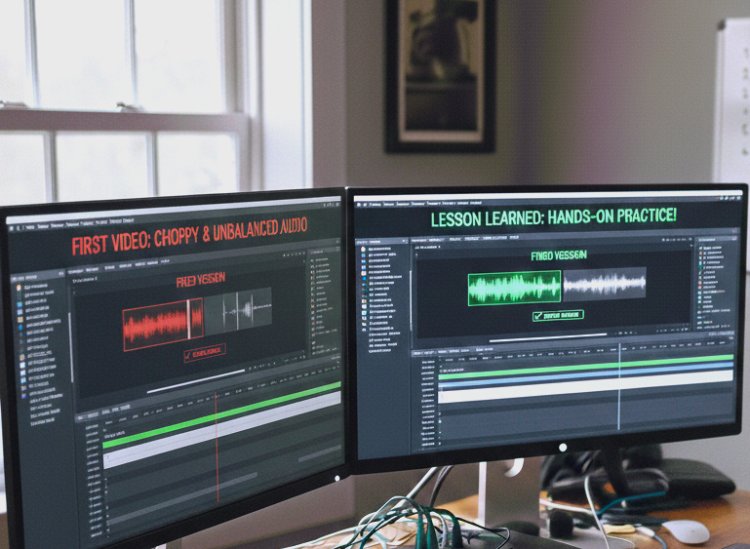
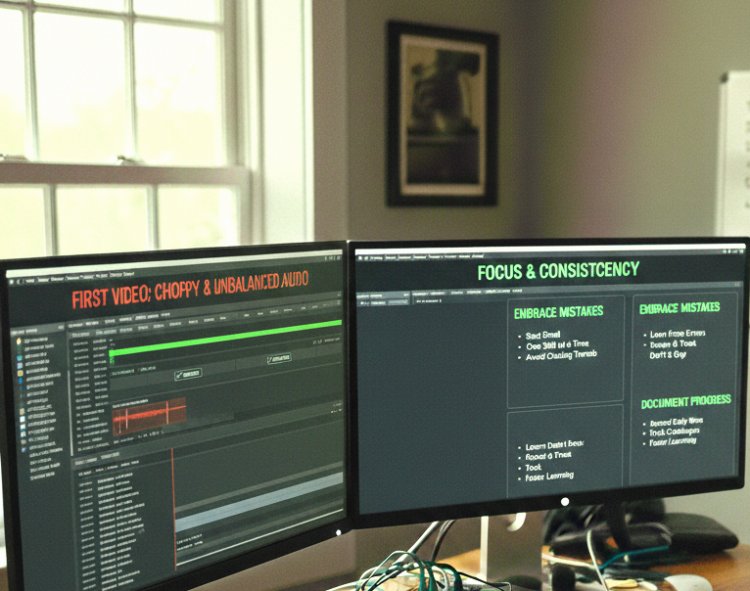
The most effective method was hands on projects. I didn’t just watch tutorials I created real designs, edited real videos, and wrote blog posts. Mistakes were inevitable, but they became my greatest teachers. For example, my first video looked choppy, but I learned proper transitions and audio balancing through trial and error.
Step 4: Track Your Progress
I maintained a journal of daily learnings: shortcuts, techniques, and project notes. Reviewing this regularly helped me retain information and see improvement over time.
Step 5: Upgrade Gradually
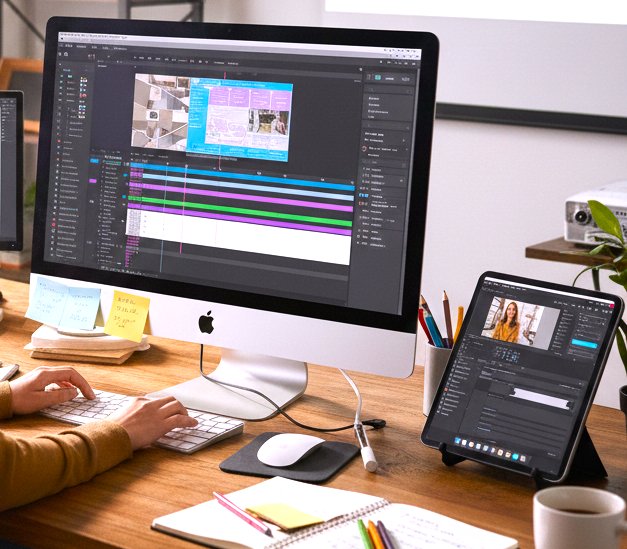
After mastering the basics, I moved to advanced tools like Figma for UI design and Premiere Pro for complex editing. Layering skills over time built confidence and efficiency.
Real Life Applications
Creating Thumbnails for YouTube: Initially, my thumbnails were bland. Using Canva templates and learning color contrast, I increased viewer clicks significantly.
Managing Projects Online: I initially overcomplicated Trello boards with too many columns. Simplifying to three columns To Do, Doing, Done made my workflow smoother.
AI Powered Content: I used ChatGPT to draft blog outlines but quickly learned to refine outputs for a human touch. This saved me hours while keeping content engaging.
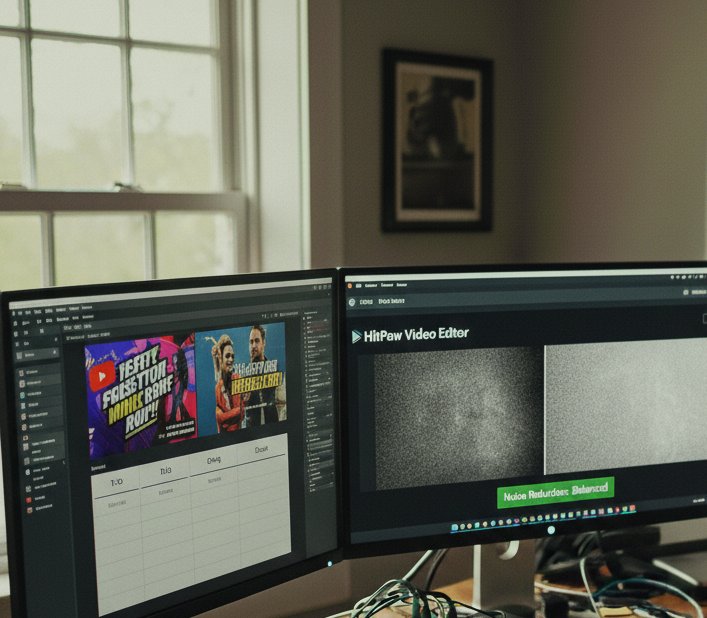
Video Noise Removal: HitPaw Video Editor helped reduce grain and unwanted noise. At first, I overused filters, which made the videos look artificial. I corrected this by balancing noise reduction with natural visuals.
What I Got Wrong the First Time
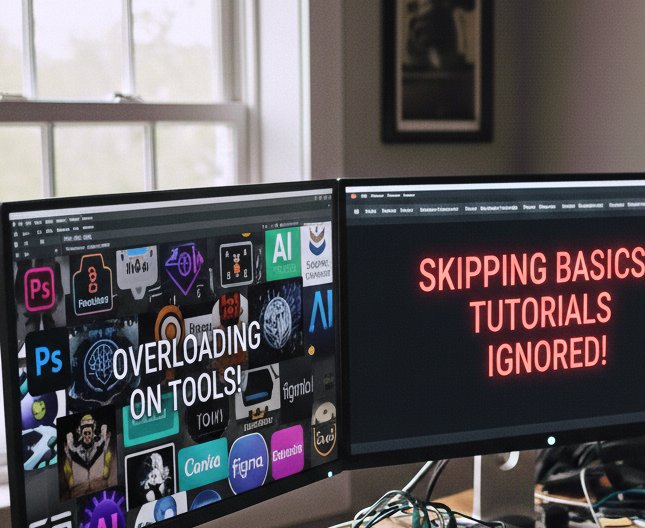
Overloading on Tools: I tried to learn Photoshop, Canva, Premiere, Figma, and AI tools all at once. Result: frustration and confusion. Fix: Focus on one tool at a time.
Skipping Basics: I ignored tutorials and jumped straight to advanced projects, leading to errors. Fix: Revisited foundational lessons to build a solid base.
Not Practicing Enough: Watching videos without implementing learnings didn’t help. Fix: Daily projects and hands on practice became my routine.
Tips From My Experience
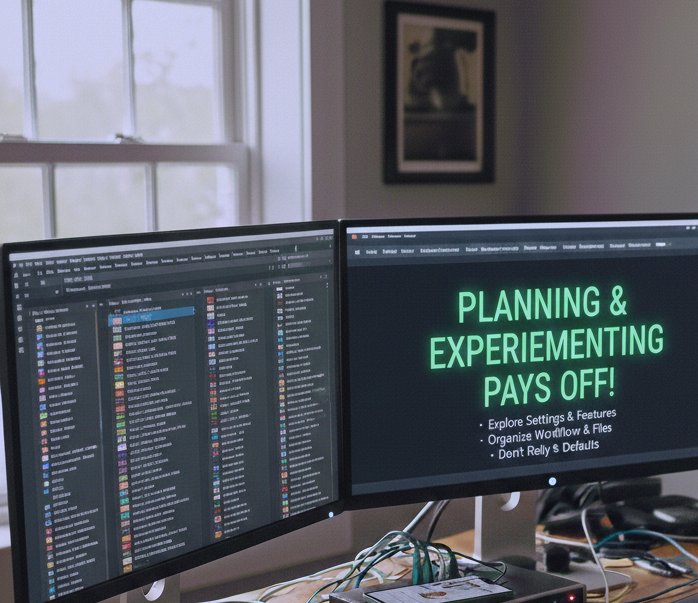
One thing I learned early on is to always explore the settings and features of an AI tool before starting a project. It might feel tempting to dive right in, but taking even 10 to 15 minutes to understand options like output quality, resolution, or preset modes can save hours of frustration later.
I also found that keeping your workflow organized naming files clearly, saving iterations, and using folders for each project prevents confusion when projects become more complex.
Lastly, don’t rely solely on defaults. Experiment with tweaks, test different outputs, and see what works best for your style or project goal. A small adjustment can dramatically improve the final result.
Remember: a little planning and experimenting goes a long way in avoiding wasted time and getting professional quality results.
Growth Table
|
Skill Area |
Daily Practice |
Weekly Check |
Resources |
Notes |
|
Graphic Design |
Design 1 to 2 items |
Review templates |
Canva, Photoshop |
Experiment with colors/fonts |
|
Video Editing |
Edit short video |
Watch tutorials |
HitPaw, Premiere |
Focus on audio & transitions |
|
AI Tools |
Test 2 prompts |
Track results |
ChatGPT, DALL·E |
Refine outputs |
|
Productivity |
Plan day |
Review Trello/Notion |
Notion, Trello |
Simplify workflow |
|
Communication |
Draft email/blog |
Peer feedback |
Grammarly, Medium |
Check clarity & tone |
Finally
If I could go back in time, I’d tell myself to stop rushing and focus on building one skill at a time. I wasted so much energy trying to master every tool at once, jumping between software, and chasing the newest trends. Instead, starting small and being consistent would have saved me weeks of frustration.
I’d also remind myself that making mistakes is part of the learning process. Every error I made whether it was a messy video edit, a poorly designed graphic, or a mismanaged project was actually a lesson in disguise. I’d tell myself to embrace failure, review it carefully, and tweak my approach rather than giving up.
Another piece of advice I’d give is to document my progress. Keeping a record of daily projects, small wins, and challenges would have helped me see how far I had come. It also would have made learning new tools faster because I could reference what I already mastered.
Lastly, I’d tell myself that digital skills aren’t just about the tools they’re about solving real problems. Focus on applying what you learn to meaningful projects, helping others, or creating content that matters. The software will always change, but the ability to think digitally, plan, and execute effectively is timeless.
Related Frequently Asked Questions
Q1: How long does it take to learn digital skills?
It depends on consistency. I became proficient in one tool within 2to 3 weeks with daily practice.
Q2: Which skill should beginners start with?
I recommend content creation graphic design or video editing because they are versatile across projects.
Q3: Are AI tools necessary?
Not essential, but they save time and help automate repetitive tasks. Combine AI outputs with human editing for best results.
Q4: Can I learn digital skills without formal training?
Yes. Online tutorials, YouTube, and hands on projects are enough if you are consistent.
Q5: How do I track progress effectively?
Keep a learning journal, maintain project portfolios, and review your improvements weekly.
Q6: Do digital skills become obsolete?
Core skills like content creation, editing, and productivity remain valuable. Tools may change, but fundamentals last.
What's Your Reaction?