Boost Your Digital Skills Quickly
Discover practical insights from my personal experience in learning digital skills online. Learn how to apply what you study, avoid common mistakes, and grow your abilities efficiently.
Main Highlights Regarding Learning Digital Skills Online
Learning digital skills is essential for career growth in 2026.
Many beginners struggle with knowing where to start and which platforms to trust.
Hands on practice, the right tools, and structured learning paths make a huge difference.
Online learning can be cost effective and flexible if approached strategically.
Why I Needed to Learn Digital Skills Online
When I first started my digital journey, I felt completely lost. I had no idea which skills would actually help me in the real world. I wasted hours scrolling through free tutorials, random YouTube videos, and unverified blogs. I remember trying to learn graphic design and video editing simultaneously without understanding the fundamentals of tools like Photoshop or Premiere Pro and I ended up frustrated.
I realized that without a clear path and understanding of digital tools, I could not progress. That’s when I decided to create a structured approach for myself: identifying essential digital skills, selecting trustworthy learning platforms, and following a step by step practice routine.
This blog is a reflection of my journey, with practical insights and strategies for beginners who want to learn digital skills online without wasting time or money.
Materials I Used to Start My Journey
I know it sounds funny to have a “materials list” for learning, but in digital skills, your tools matter a lot. Here’s what worked for me:
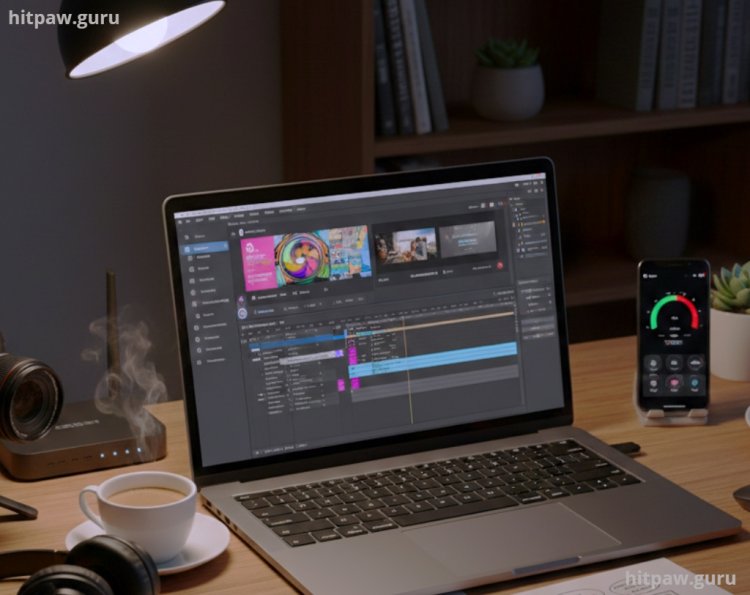
Laptop/PC I started with a mid range laptop but later upgraded to one with 16GB RAM for smoother video editing.
Stable Internet Connection Essential for accessing online courses and practicing cloud based tools.
Learning Platforms:
Udemy Affordable courses with lifetime access.
Coursera University level courses with structured learning paths.
LinkedIn Learning Great for professional skill building.
Khan Academy / Codecademy Free beginner friendly courses.
Productivity Tools Notion for tracking progress, Google Calendar for scheduling practice sessions.
Software Tools for Practice:
Canva for beginner graphic design.
Figma for UI/UX design practice.
Python / Scratch for beginner programming.
Excel / Google Sheets for data analysis fundamentals.
Step by Step Guide to Learning Digital Skills Online
Step 1: Identify the Skills You Need
I started by making a list of skills that were in demand in 2026. Here’s what I prioritized:
Graphic Design Canva, Photoshop, Illustrator.
Video Editing Premiere Pro, DaVinci Resolve.
Data Analysis Excel, SQL, Google Analytics.
Web Development HTML, CSS, JavaScript.
Digital Marketing SEO, social media, content strategy.
Tip: Don’t try to learn everything at once. Pick one main skill and one complementary skill. I paired graphic design + social media first, then added video editing.
Step 2: Choose a Trusted Learning Platform
Initially, I wasted time on random YouTube tutorials. Then I realized structured courses help more:
For graphic design, Udemy courses by experienced designers worked best.
For web development, freeCodeCamp gave hands on coding practice.
For digital marketing, I followed HubSpot Academy free certifications.
Lesson: The platform matters, but the instructor matters more. Always check reviews, sample videos, and course length.
Step 3: Create a Schedule & Practice Daily
I created a realistic schedule for myself:
1 hour daily for lessons.
30 minutes for practical exercises.
1 hour for project work on weekends.
Consistency mattered more than intensity. Even 1 to 2 hours daily beats cramming on weekends.
Step 4: Apply What You Learn to Real Projects
I learned best when I applied knowledge immediately. For example:
Made social media posts for a friend’s small business using Canva.
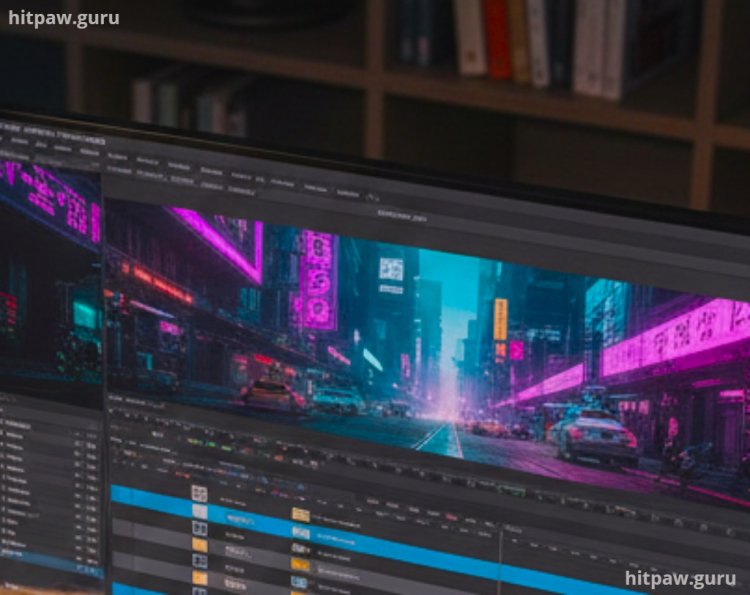
Edited short YouTube videos for my own mini channel.
Built a simple portfolio website to practice HTML/CSS.
Practical projects solidify learning and give something tangible for your resume.
Step 5: Track Progress & Reflect Weekly
Every Sunday, I reflected:
What new skill did I practice?
Did I struggle with any tools?
Which skills do I need to revisit?
I maintained a Notion dashboard to log hours, tools learned, and project outcomes.
What I Got Wrong the First Time
Trying to Learn Too Many Tools at Once I failed to master anything at first.
Fix: I focused on one main skill + one supporting skill for 2 to 3 months.
Ignoring Practical Projects Initially, I only watched lessons without applying them.
Fix: I started small, creating mini projects like a single Instagram post or 30second video clip.
Skipping Fundamentals Jumped straight to advanced design techniques.
Fix: I went back and revisited beginner tutorials. Foundations made advanced learning easier.
Practical Examples From My Journey
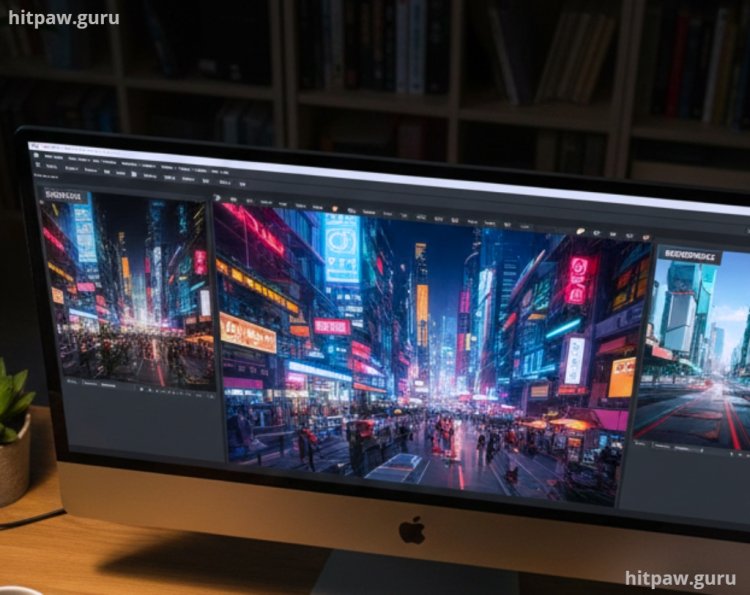
Graphic Design Project: Designed a branded Instagram post set for a local coffee shop. Learned color theory, typography, and layout principles in real time.
Video Editing Project: Edited a 2minute short video for my friend’s YouTube channel using Premiere Pro. Learned timeline organization, transitions, and basic color correction.
Data Analysis Project: Used Excel to analyze my personal expenses over 6 months, applying formulas and pivot tables. This boosted my confidence to work with larger datasets.
Feedback is crucial: I shared my projects online and got critiques, which accelerated improvement.
Tips From My Experience
From my journey, the single most useful thing I learned is: practice beats passive learning every time. Watching tutorials or reading guides is helpful, but the real skill comes when you apply what you learn immediately. Even small daily projects like designing one social media post, editing a 30second video, or building a simple webpage will reinforce concepts far better than hours of theory.
Also, don’t be afraid to make mistakes. I often broke my first designs or mis edited videos, but fixing them taught me lessons I couldn’t get from watching anyone else. Start small, stay consistent, and gradually challenge yourself. That combination turned beginner attempts into real world skills for me.
Final Advice
Start small and stay consistent. Don’t overwhelm yourself with every tool or skill.
Practice daily, even if it’s just 30 minutes. Consistency builds real mastery.
Choose trustworthy platforms. Free content is helpful but structured learning saves time.
Create real projects. Lessons without application won’t stick.
Reflect and track progress weekly. You’ll see growth you didn’t notice day to day.
If I could go back, I’d tell myself: “Focus on one skill, create a project, learn from mistakes, and be patient. Success is built incrementally.”
Frequently Asked Questions About Learning Digital Skills Online
Q1: Can beginners really learn digital skills online without a teacher?
A: Yes, but guided learning platforms and structured courses help avoid wasted time. Pair lessons with small projects.
Q2: How long does it take to become competent in a skill like graphic design?
A: For beginners, 2 to 3 months of consistent daily practice can make you comfortable for small projects.
Q3: Which skill should I start with first?
A: Choose a skill that aligns with your interests and potential career goals. I started with graphic design + social media.
Q4: Do I need expensive software to learn digital skills?
A: No. Free or trial versions (Canva, GIMP, freeCodeCamp, Google Sheets) work perfectly for beginners.
Q5: How do I stay motivated while learning online?
A: Set small goals, track progress, share projects for feedback, and celebrate milestones.
Q6: Should I focus on one skill or learn multiple at once?
A: Focus on one primary skill + one complementary skill. Once confident, branch out gradually.
What's Your Reaction?