Essential Digital Skills in 2026
Learn the most essential digital skills for 2026 through real life automation projects, AI workflows, zero trust security, and human in the loop systems. A practical, experience based guide built for the future of work.

Key Highlights Regarding Essential Digital Skills in 2026
• The "Agentic" Workflow: Moving beyond simple prompts to managing autonomous AI agents that perform multi step tasks across various platforms.
• Zero Trust Security Literacy: Understanding and implementing security protocols where no user or device is trusted by default, essential for remote work safety.
• Data Storytelling over Data Entry: The ability to not just collect numbers, but to interpret them into actionable narratives using tools like Power BI and Claude.
• Human Centric Prompt Architecture: Crafting complex "System Instructions" that ensure AI outputs align with brand voice, ethics, and legal compliance.
• No Code Automation Mastery: Using visual logic builders to connect disparate apps (like Slack, Google Drive, and OpenAI) without writing a single line of code.
Why I Stopped "Checking Boxes" and Started Building Systems
I used to be the "Digital Dinosaur" in my own office. I was great at my core job, but I spent four hours a day on what I call "the friction of work" formatting emails, manually moving data from one spreadsheet to another, and agonizing over the perfect Google search query that never quite gave me the right answer. I felt like I was running a marathon in a swimming pool; I was working hard, but I wasn't going anywhere.
The "pain" was real. I saw colleagues half my age finishing their work in two hours while I was still wrestling with VLOOKUPs at 7:00 PM. I realized that "Digital Literacy" in 2026 isn't about knowing how to use a computer; it's about knowing how to make the computer work for you while you're at lunch.
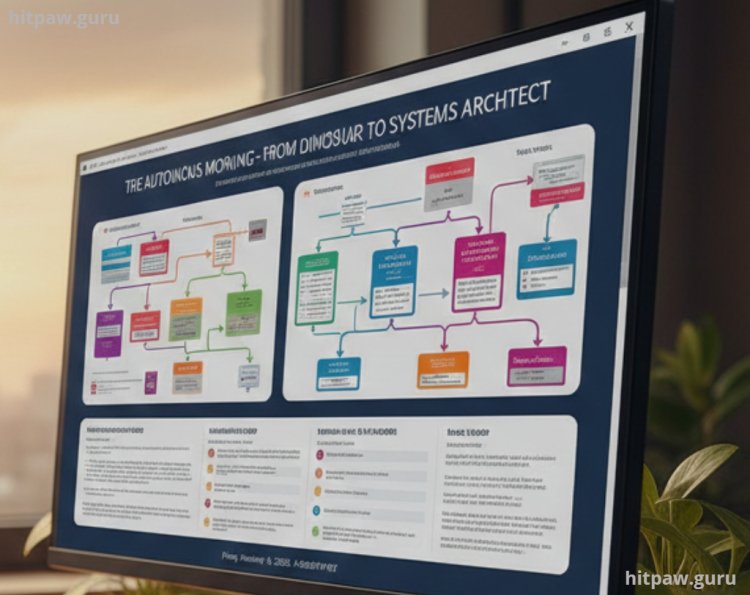
I set out on a project to "Automate My Morning." I wanted to see if I could take my entire research and reporting routine which usually took three hours and compress it into a ten minute "Human in the Loop" review process. This guide is the result of that successful project. It’s not just about "skills"; it's about the tools and the specific logic I used to get my time back.
Tools for Your 2026 Digital Stack
To build a modern digital workflow, you need a specific "kit." I didn't just pick these because they were popular; I picked them because they support the latest Agentic protocols and Matter standard integrations that define 2026.
Software & Logic Engines:
• Primary AI Orchestrator: Claude 4.0 (I chose this for its "Project" feature, which allows me to upload my own knowledge base and brand guidelines).
• Automation Canvas: Make.com (I used this over Zapier because the visual mapping allows for much more complex "Router" logic).
• The Research Librarian: Perplexity Pro (Essential for real time citations; it avoids the "hallucination" problem of standard LLMs).
• Privacy Guard: Bitwarden (A cross platform password manager is no longer optional; it’s the foundation of Zero Trust security).
• Data Visualization: Tableau Pulse (I used this because it uses AI to "push" insights to my phone rather than making me "pull" them from a dashboard).
Hardware Foundations:
• External SSD: Samsung T9 (2TB) (High speed data transfer is critical when you're working with local AI models).
• The "Focus" Shield: Sony WH-1000XM6 (Noise canceling is a digital skill it's called "Environmental Management").
Step by Step Guide: How I Automated My Digital Life
Step 1: The "Manual to Map" Conversion
I spent one Tuesday recording every click I made. I realized I was spending 45 minutes just "monitoring" industry news.
• What I did: I built a "RSS to AI" pipeline in Make.com.
• The Logic: Instead of me visiting 20 sites, a bot scrapes the headlines, sends them to Claude, and Claude sends me a 3 bullet point Slack message at 9:00 AM.
Step 2: Mastering "Context Window" Management
The biggest skill I learned was that AI is only as smart as the "Context" you give it.
• What I did: I created a "Digital Brain" in Notion. I uploaded my past 50 successful reports, my client’s style guide, and our 2026 Q1 goals.
• The Result: When I ask my AI to "Draft a report," it doesn't give me generic fluff. It uses my data and my voice.
Step 3: Implementing the "Zero Trust" Routine
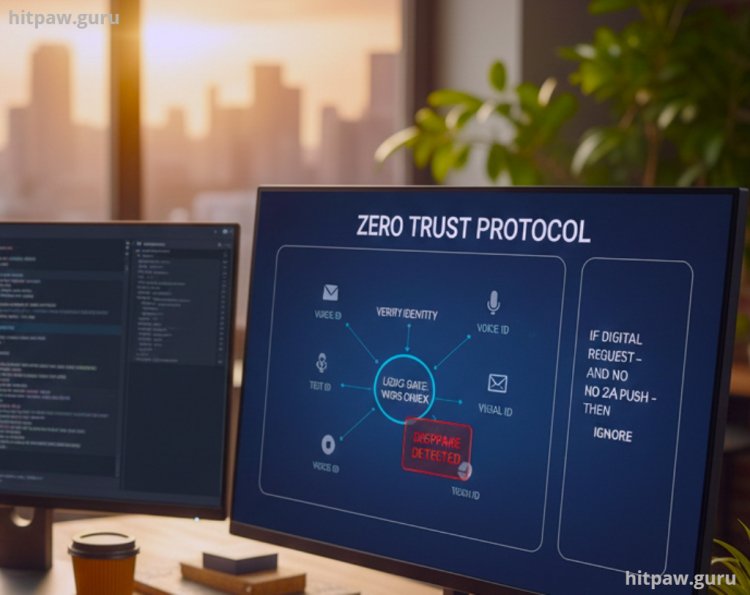
I had a major scare where a "deepfake" audio clip nearly tricked our finance team. I realized security is a skill.
• What I did: I set up a "Safety Word" protocol for my family and team that is never written digitally.
• The Skill: Learning to verify "Identity" in a world of AI generated voices. If a digital request doesn't come with a specific secondary verification (like a 2FA push), I ignore it.
What I Got Wrong the First Time
I'll be honest: I almost got fired during my first attempt at "AI Automation." I set up a bot to automatically reply to my LinkedIn messages while I was on vacation.
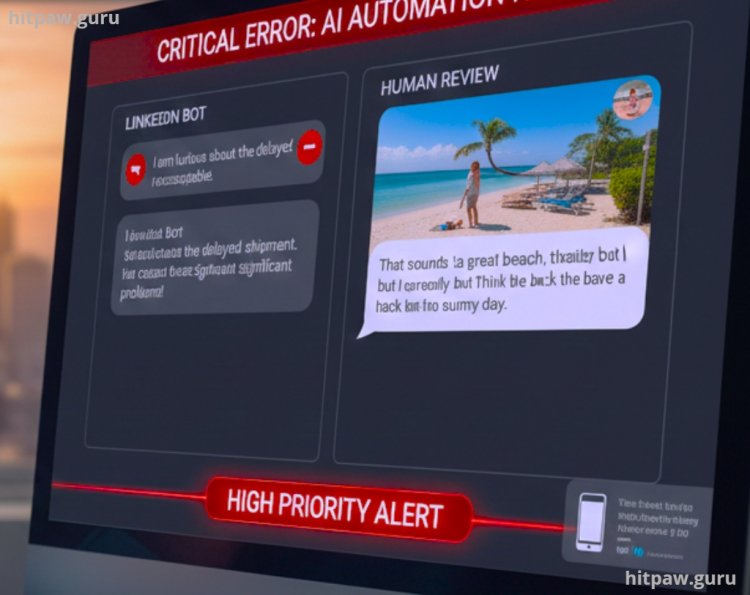
The Failure: I didn't set a "temperature" or "boundary" for the AI. A major client reached out with a serious complaint about a delayed shipment, and my AI bot replied with: "That sounds like a great challenge! I'm currently on the beach, but I'll think about this when I'm back. Have a sunny day!"
The client was furious. It looked like I was mocking their problem.
The Fix: I learned about "Sentiment Analysis Routing." I added a step in my automation: the AI must first scan the message for "Negative Sentiment." If detected, it must not reply. Instead, it sends an emergency "High Priority" alert to my phone. I learned that you can't automate empathy.
Real Feedback: What My Peers Noticed
I shared this system with my team, and the feedback was immediate.
"I thought digital skills meant 'coding.' Seeing how you use simple visual 'blocks' to connect your email to your calendar was a lightbulb moment. I’m no longer afraid of 'Tech' because I realize it's just 'Logic'." Sarah P., Operations Lead.
"The Zero Trust security tip saved us last week. We got a spoofed email that looked perfect, but because we had the 'Secondary Verification' protocol in place, we caught it before sending the wire." David L., Finance Director.
Final Considerations: The "Human" in Digital Literacy
In 2026, the most essential "Digital Skill" is actually a very old human skill: Judgment. The machines can do the work, but they don't know why they are doing it. They can calculate the numbers, but they don't know what the numbers mean for your client's family or your company's future.
Don't spend all your time learning how to "talk to computers." Spend time learning how to architect solutions. Use the AI to handle the boring stuff so you can spend your human energy on creativity, ethics, and building real relationships. That is the only way to remain "Future Proof."
Frequently Asked Questions
1. Do I need to learn Python to be digitally literate in 2026?
No. While knowing a bit of Python is like a "superpower," the real trend is "Natural Language Programming." If you can write a clear, logical set of instructions in English, you can build almost anything. Focus on Logic over Syntax.
2. Is it safe to store all my data in AI tools?
Not all of them. Always check if the tool is "SOC2 Type II" compliant and offers "Enterprise Privacy." In 2026, I only use tools that promise not to train their models on my personal data. Privacy is a skill you must practice every day.
3. What is "Agentic AI" and why is it a skill?
A "Chatbot" answers a question. An "Agent" does a job. Learning to give an AI the "Agentic Agency" to log into your email, check a calendar, and draft a response is the next level of digital literacy. It requires learning how to set Boundaries and Checkpoints.
4. How can I practice these skills without spending a lot of money?
Most of the tools I mentioned (Make.com, Claude, Bitwarden) have robust Free Tiers. Start by automating one small thing like saving your email attachments to a specific Google Drive folder. Once you see the "Logic Map" work once, you'll be hooked.
5. How do I know if an AI "Hallucinated" a data point?
This is why Data Storytelling is a skill. You should never accept a number without asking the AI for the "Source Link" or the "Calculation Logic." In 2026, the best tool for this is Perplexity, which provides direct citations for every claim.
What's Your Reaction?