Benefits and Limitations of Artificial Intelligence
Explore the real benefits and limitations of AI through my personal experience. Learn practical insights to use AI effectively in everyday tasks and digital workflows.

Key Points Regarding AI Benefits and Limitations
How AI transformed my workflows and productivity.
Myths I believed about AI and what I learned.
Real world examples of AI helping in projects I actually completed.
Common mistakes beginners make with AI tools.
Step by step strategies for maximizing AI benefits.
FAQs and actionable tips for first time users.
Why I Decided to Explore AI
I first encountered AI while trying to speed up my content creation and data analysis tasks. I had always believed that AI was a futuristic concept, something only tech giants used, but I wanted to see if it could help me personally. At first, I felt overwhelmed there were so many tools, and I didn’t know which ones to trust or how to integrate them into my work.
The initial days were filled with trial and error, and I made several mistakes. But over time, I realized AI could save hours of work and improve the quality of my output if I used it correctly. In this blog, I want to share my practical, real world experience: what worked, what didn’t, and how to navigate AI tools effectively.

Why I Needed AI
Before AI, I faced daily challenges:
Repetitive tasks: Writing reports, creating social media posts, or analyzing data took hours.
Content brainstorming: I struggled to generate fresh ideas for blogs and posts consistently.
Data overload: I was drowning in spreadsheets and analytics tools.
AI promised a solution but only if I understood its strengths and limitations.
Tools I Used
Here’s a list of the main AI tools I experimented with:
|
Task |
Tool |
Purpose |
|
Content ideas |
ChatGPT |
Generate blog outlines, prompts, and draft sections |
|
Grammar & style |
Grammarly / QuillBot |
Improve readability, grammar, and sentence structure |
|
Project organization |
Notion AI |
Plan projects, organize notes, create workflows |
|
Visual content |
Canva AI |
Design social media posts, graphics, and banners |
|
Data analysis |
Excel + AI plugins |
Automate calculations and identify patterns |
|
Coding help |
GitHub Copilot |
Suggest code snippets and troubleshoot error |
I recommend starting with one or two tools and gradually integrating more as you become comfortable.
Real Life Experiences
Example 1: Blog Content Creation
I first tried using ChatGPT to write an entire blog. The result:
Some paragraphs were repetitive.
Certain facts were outdated or incorrect.
The tone felt robotic.
I learned to use AI for outlines and drafts only. I now:
Generate a 5 to 6 point outline in ChatGPT.
Expand each point manually, adding personal experience and context.
Proofread with Grammarly and QuillBot.
This process cut my writing time by 60% without losing my voice.
Example 2: Automating Reports
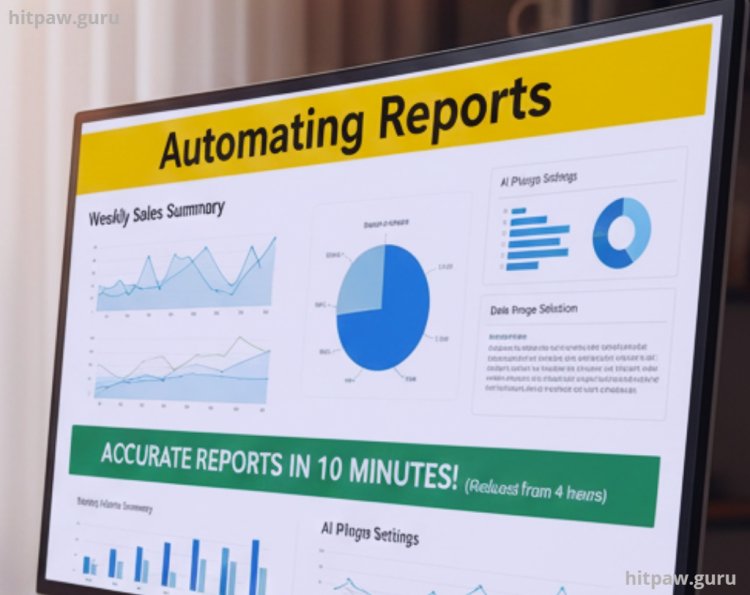
I experimented with AI plugins in Excel to summarize weekly sales reports. Initially, the AI misinterpreted some data ranges. I spent hours fixing formulas. But once I learned to set clear instructions and data ranges, I could produce accurate reports in 10 minutes instead of 4 hours.
This experience taught me the importance of precision in AI prompts and settings.
Example 3: Visual Content Creation
Using Canva AI, I generated social media graphics. At first, AI layouts looked generic. I had to adjust colors, fonts, and branding elements to fit my style. Lesson: AI can speed up design, but human judgment makes it professional.
What I Got Wrong the First Time
Here’s what I learned the hard way:
Believing AI is 100% accurate
Mistake: Published a report directly from AI.
Reality: Contained factual errors.
Lesson: Always verify outputs before sharing.
Relying entirely on AI for creativity
Mistake: Let AI create all blog topics.
Reality: Many were generic or repetitive.
Lesson: Use AI as a brainstorming partner, not a replacement.
Ignoring tool limitations
Mistake: Thought one AI tool could handle everything.
Reality: Each tool has specific strengths.
Lesson: Match tools to tasks carefully.
Step by Step Guide to Using AI Effectively
Identify repetitive tasks Focus on tasks that consume time but don’t require deep thinking.
Choose the right tool Match AI tools to specific goals.
Use AI for drafting, not final output Edit manually for quality.
Verify outputs Fact check, review, and adjust AI suggestions.
Blend human judgment with AI Your input adds nuance AI cannot replicate.
Iterate Adjust prompts and workflows over time.
Detailed Benefits of AI
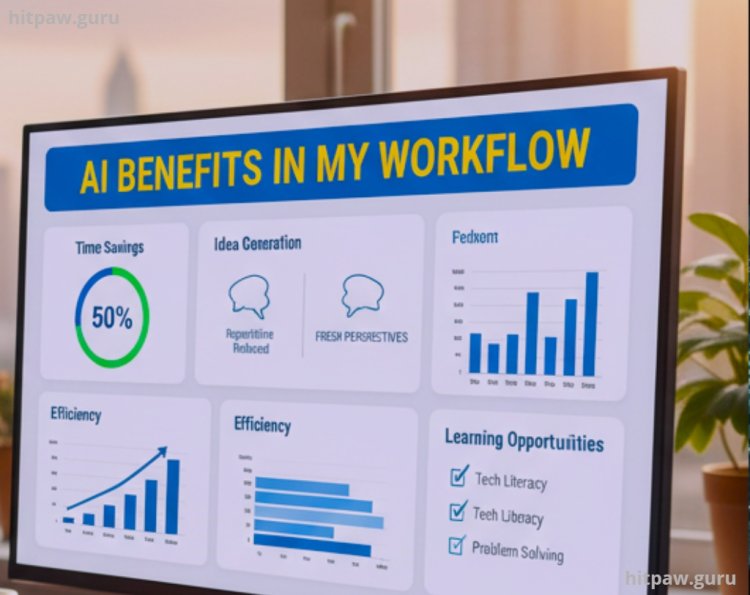
Time savings: Repetitive work reduced by up to 50%.
Idea generation: Fresh perspectives and concepts for content creation.
Efficiency: Faster data analysis and workflow management.
Learning opportunitie: Improved tech literacy and problem solving.
Consistency: AI ensures structure in reports, blogs, and presentations.
Detailed Limitations of AI
Accuracy issues: AI may generate outdated or incorrect information.
Creativity limits: AI lacks human nuance, storytelling ability, and emotional intelligence.
Over reliance risks: Too much dependency can diminish critical thinking.
Cost factors: Advanced tools require subscriptions or payment.
Ethical concerns: AI outputs can reflect bias if not monitored.
Tip From My Experience
One thing I learned quickly is that AI tools work best when you guide them clearly. Don’t just expect perfect results by clicking buttons you need to spend a few minutes planning what you want and adjusting settings carefully. I used to skip this, and the output was always off.
Also, start small and experiment. Instead of trying to automate everything at once, I focused on one task at a time, testing features and seeing what worked best. This approach saved me hours of frustration and helped me understand the tool’s strengths and limits.
Lastly, combine AI suggestions with your own judgment. AI can generate ideas, drafts, or edits, but your input makes it truly valuable. I learned that blending both creates much higher quality results.
Wrapping it up
If I could go back, I’d tell myself to start learning digital skills and AI tools earlier. I spent so much time struggling with basic software and manual processes before realizing how much time AI could save me. I’d also remind myself not to be afraid of experimenting mistakes are part of learning.
Another thing I’d emphasize is balancing AI with personal input. I used to rely too heavily on tools without adding my own insight, which led to generic results. Understanding that AI is a helper, not a replacement, would have saved me a lot of trial and error.
Finally, I’d advise patience. Progress in digital skills and AI mastery doesn’t happen overnight. Consistency, curiosity, and practical practice are what truly make a difference.
User Questions About AI Benefits and Limitations
1. What are the main benefits of using AI in daily tasks?
From my experience, AI can save hours of repetitive work, improve the speed of data analysis, generate creative content ideas, and help organize workflows efficiently. It’s like having a personal assistant that works 24/7, as long as you guide it properly.
2. Are there any risks or limitations I should be aware of?
Yes. AI is not always accurate and can produce outdated or biased information. It can’t replace human creativity or judgment, so over reliance can reduce your critical thinking. I learned to always double check outputs before using them in real projects.
3. Can AI replace human jobs entirely?
Not really. AI excels at automating repetitive and time consuming tasks, but tasks requiring empathy, creativity, strategic thinking, or complex decision making still need humans. Think of AI as a powerful assistant, not a replacement.
4. How can beginners use AI effectively without running into problems?
Start small with simple tools and tasks, like generating content outlines or automating reports. Gradually experiment with more advanced tools, and always verify the results. Clear prompts and human input make a huge difference.
5. Which areas benefit the most from AI integration?
From my personal experience, content creation, social media graphics, data analysis, and project management workflows see the most noticeable improvements. However, the key is to pair AI with your personal judgment for best results.
6. Is using AI expensive?
It depends. Some AI tools are free or have limited free tiers, while others require subscriptions. I recommend trying free versions first to test their usefulness before investing in premium plans.
7. How can I make sure AI supports my work rather than replacing my skills?
Treat AI as a helper. I always use it to draft, suggest, or analyze, but I add my personal insight, edit outputs, and verify facts. This approach preserves your skills while boosting efficiency.
8. Can AI help improve my learning and digital skills?
Absolutely. Using AI regularly helped me understand new software faster, improved my workflow strategies, and enhanced my problem solving skills. It’s like learning from a super efficient tutor who adapts to your pace.
What's Your Reaction?